How to Upgrade and Extend the Lifespan of Your Old Laptop
N
Written byNathan
- Do a full software cleanup before buying any hardware. It costs nothing, and it often reveals that sluggish performance was never a hardware problem to begin with.
- Check whether your laptop's RAM and storage are soldered to the motherboard before ordering parts. Many modern thin-and-light models have neither upgradeable, and you cannot change that after the fact.
- Swapping a spinning hard drive for an SSD is the single biggest speed improvement you can make on an older machine. Boot times, app load times, and general responsiveness all improve noticeably.
- A RAM upgrade only makes a real difference if your system is consistently hitting its memory ceiling. If the CPU is the bottleneck, more RAM will not fix the problem.
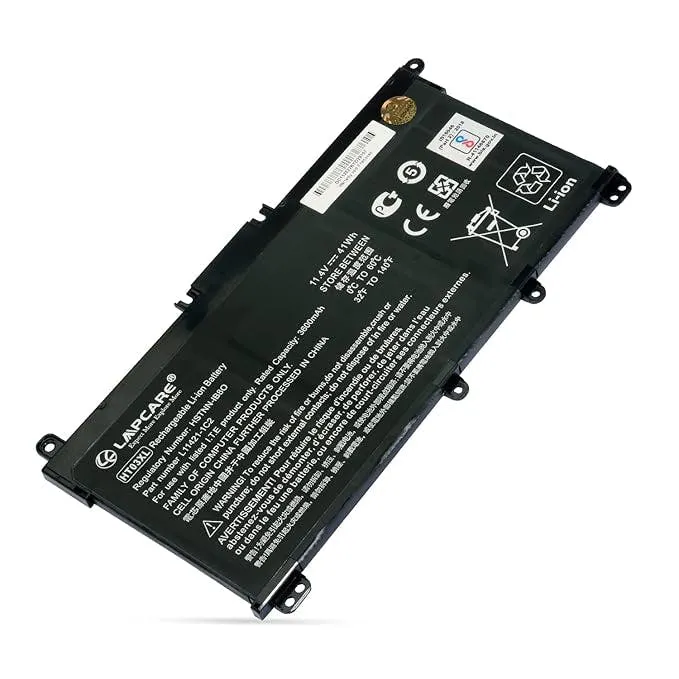
- A new battery is worth it if your machine is otherwise healthy and the replacement cost is low relative to what the laptop is worth. A laptop that only runs tethered to a wall is much less useful.
- Stop spending money on a laptop when repair or upgrade costs approach what the machine is worth, or when the CPU is too slow for the tasks you need. At that point, replacement is the smarter call.